
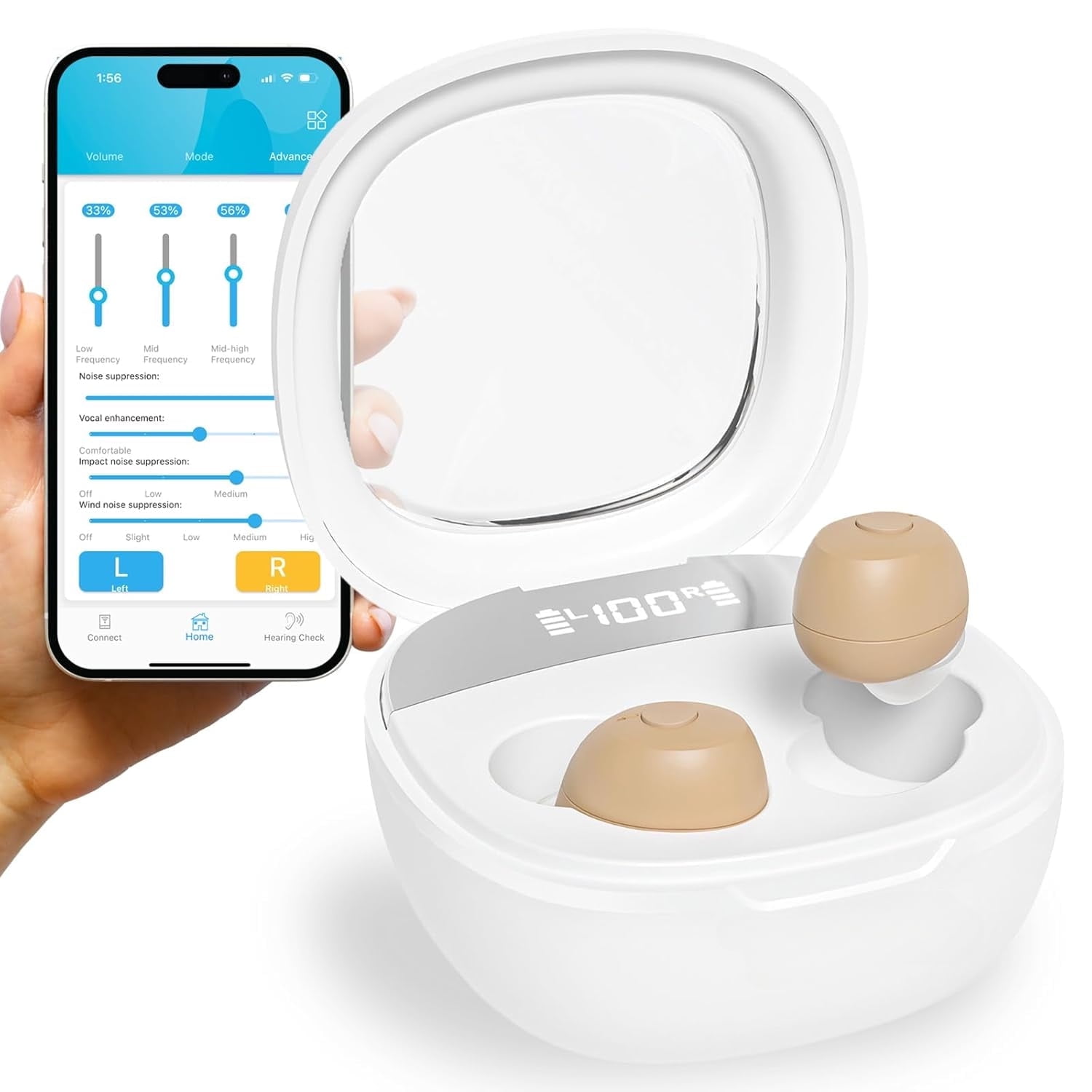
SUWU Rechargeable Hearing Aids, Bluetooth Enabled, Noise Cancelling with App Control, 4 Sound Modes including Tinnitus Masking, Beige
Product details
| Management number | 237883679 | Release Date | 2026/07/11 | List Price | $80.00 | Model Number | 237883679 | ||
|---|---|---|---|---|---|---|---|---|---|
| Category | |||||||||
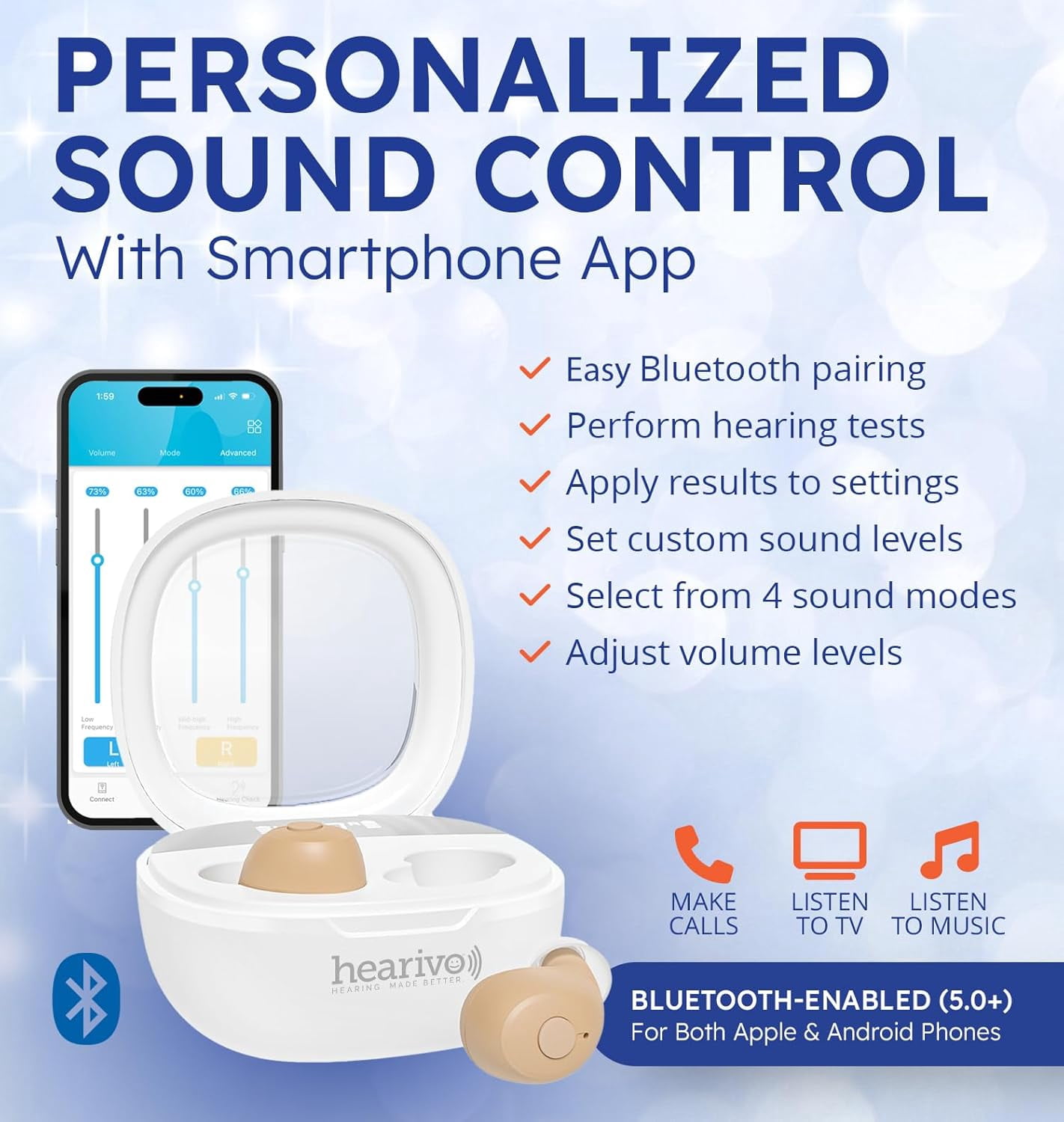
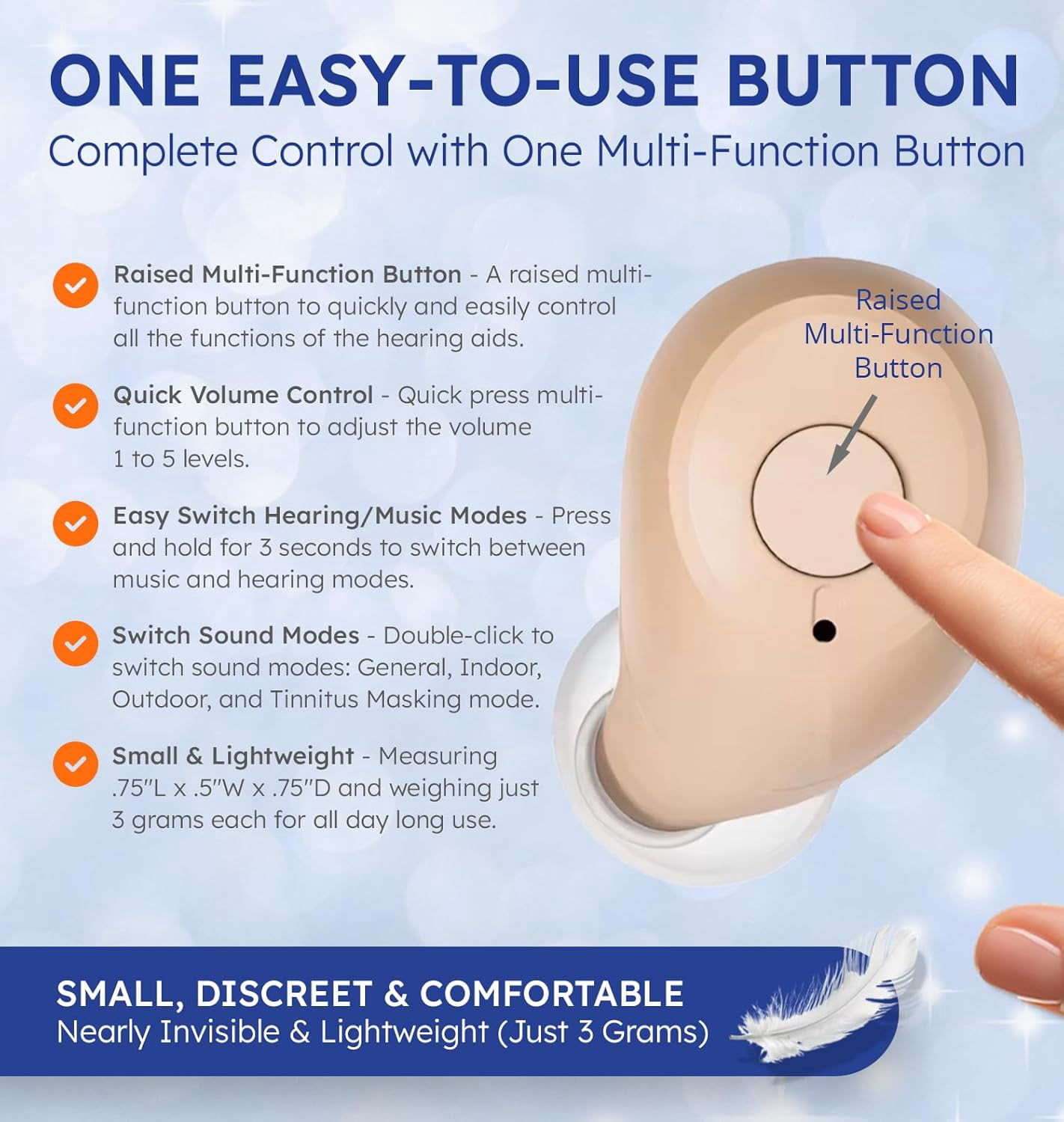
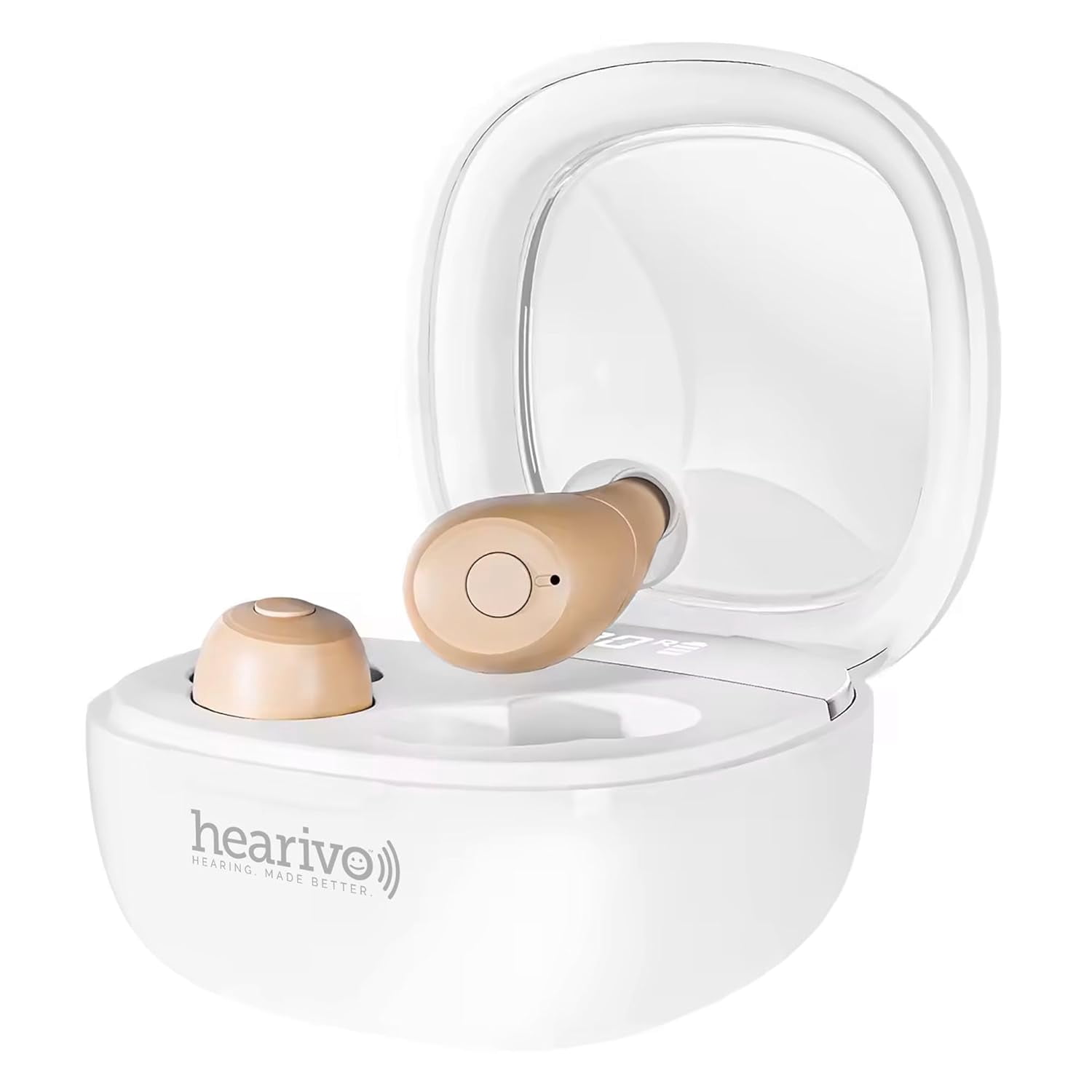
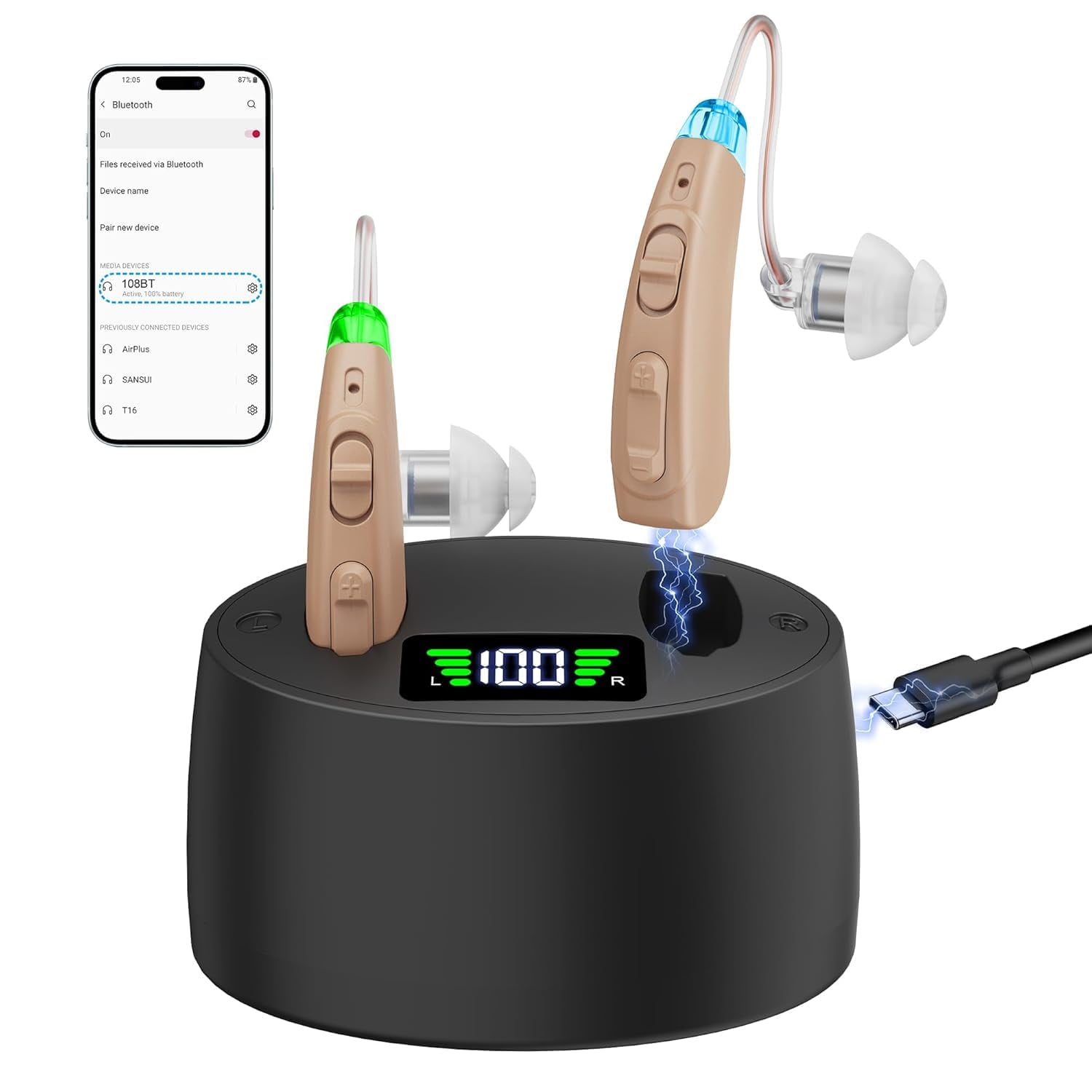
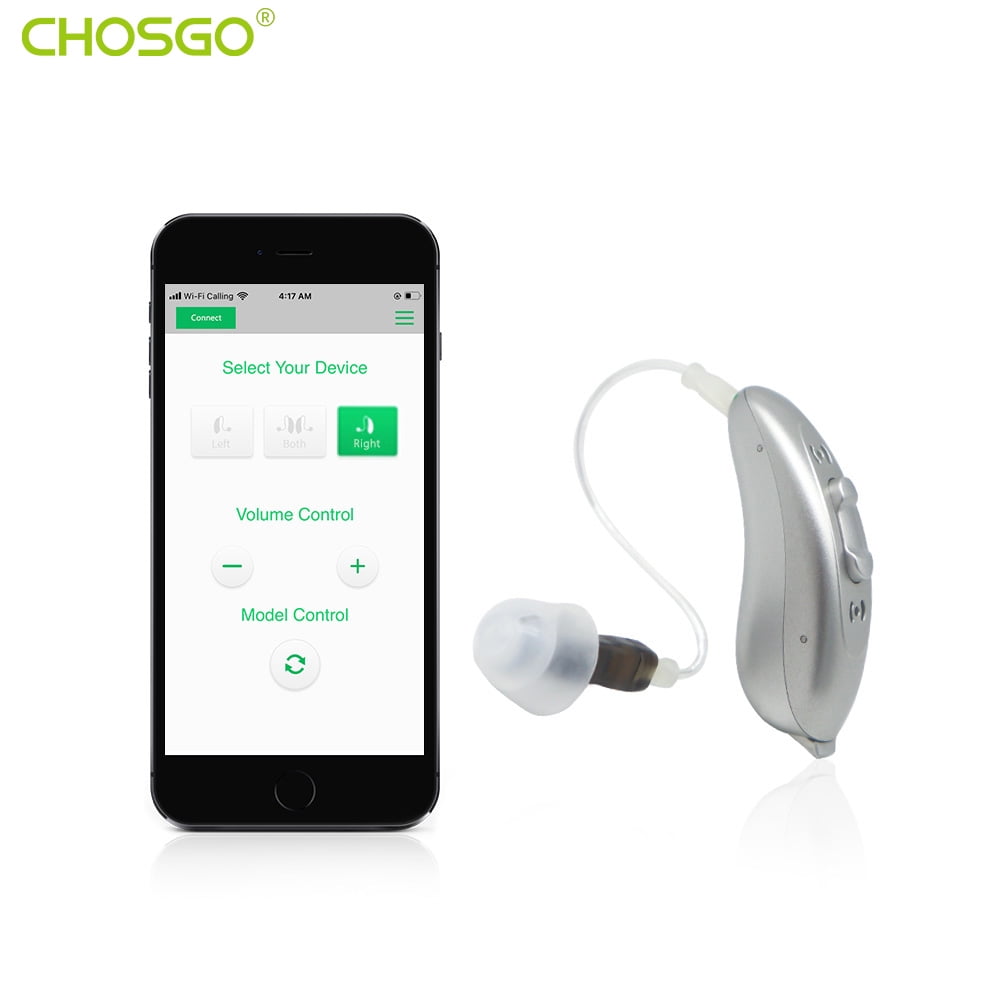
<div> <h4>How did we get our start?</h4> <p>We started Hearivo to provide high-quality digital hearing aids for an affordable price.</p> </div> <div> <h4>Why do we love what we do?</h4> <p>We love hearing back from our customers who say, "I can hear again". This is what drives us everyday to make, sell and service the best quality hearing aids and earplugs available.</p> </div> <div> <h4>What makes our products unique?</h4> <p>We offer an affordable line of hearing aids from simple hearing amplifiers to Bluetooth-enabled hearing aids with full app sound control. Plus, we offer a line of earplugs to help protect your hearing.</p> <p>Where do I download the app?</p> <p>You can download the "FORSOUND" app from Apple App Store and Google Play.</p> <p>How do I connect to Bluetooth?</p> <p>In your smartphone go to Settings, Bluetooth settings, look for "1120", and tap the "Connect" button.</p> <p>Are these for severe hearing loss?</p> <p>These are NOT for severe hearing loss. We recommend these for mild-to-moderate hearing loss</p> <p>Why won't the hearing aids charge?</p> <p>- Remove blue tabbed stickers from charging ports</p> <p>- Clean charging ports on hearing aids and charging case</p> <p>- Seat hearing aids in charging ports correctly</p> <p>- Digital charge indicator should read "100"</p> <p>- Insert USB cable in charging case correctly</p> <p>How do I turn the hearing aids on and off?</p> <p>To turn the hearing aids on, simply take them out of the charging case and they will automatically turn on. To turn them off, take them out of your ears and put them back in case. Or, press the multi-function button for 6 seconds to turn them on/off.</p> <p>roubleshooting<br>Hearing Feedback & Screeching Re-adjust the receiving/ear domes in your ear, make sure they're in the correct position. Try a different sized ear dome (Accessory Kit includes several different sized ear domes). Clean the earwax out of your ear.<br>No Sound (Intermittent Sound) Remove the protective sticker from charging port on hearing aid. Be sure hearing aid is fully charged. Be sure charging cable is inserted fully into charging case input. Increase the volume level. Clean the device and/or replace the domes.<br>Short Battery Life For the longest battery life, be sure the hearing aids are NOT in Bluetooth mode (should get up to 15 hours use). From your phone, go to Settings/Bluetooth settings, look for "1120", disconnect from that device. If that doesn't work, try the following: clean the charging ports to be sure there is solid connection, turn off the device when not in use, or recharge the hearing aids after each use. Try removing the charging cable from the charging case and reinserting it.<br>Bluetooth Not Working Take hearing aids out of the charging case. Open the Bluetooth settings in your phone. Search for "5118L" and tap on it to connect. It should say "Connected". If not, restart your phone and try again.<br>Can't Hear Music or Phone On the top of hearing aids, press and hold the lower toggle button for 3 seconds to switch between hearing aid mode and music/phone mode. It will say "hearing mode" or "music mode".<br>Tinnitus Not Cured The Tinnitus Mode on these hearing will NOT cure tinnitus and is meant only to mask the symptoms of tinnitus. Tinnitus is not curable, but the Tinnitus Mode on these hearing aids uses white noise to help reduce the symptoms of tinnitus for some users.<br>You hear white noise If you hear a white noise or static sound, press and hold down the top toggle button for 3 seconds to change to a different sound mode. The current sound mode may be incompatible with the environment you're in.<br>Hearing Aids Not Charging Try the following: 1) Be sure to remove blue tabbed stickers from charging ports. 2) Clean charging ports on hearing aids and charging case. 3) Be sure the hearing aids are seated in the charging ports correctly. 4) Be sure the digital charge indicator reads "100" for each hearing aid. 5) Be sure the Type-C to USB cable is inserted correctly into the charging case (unplug the cable and reinsert it).</p> </div>
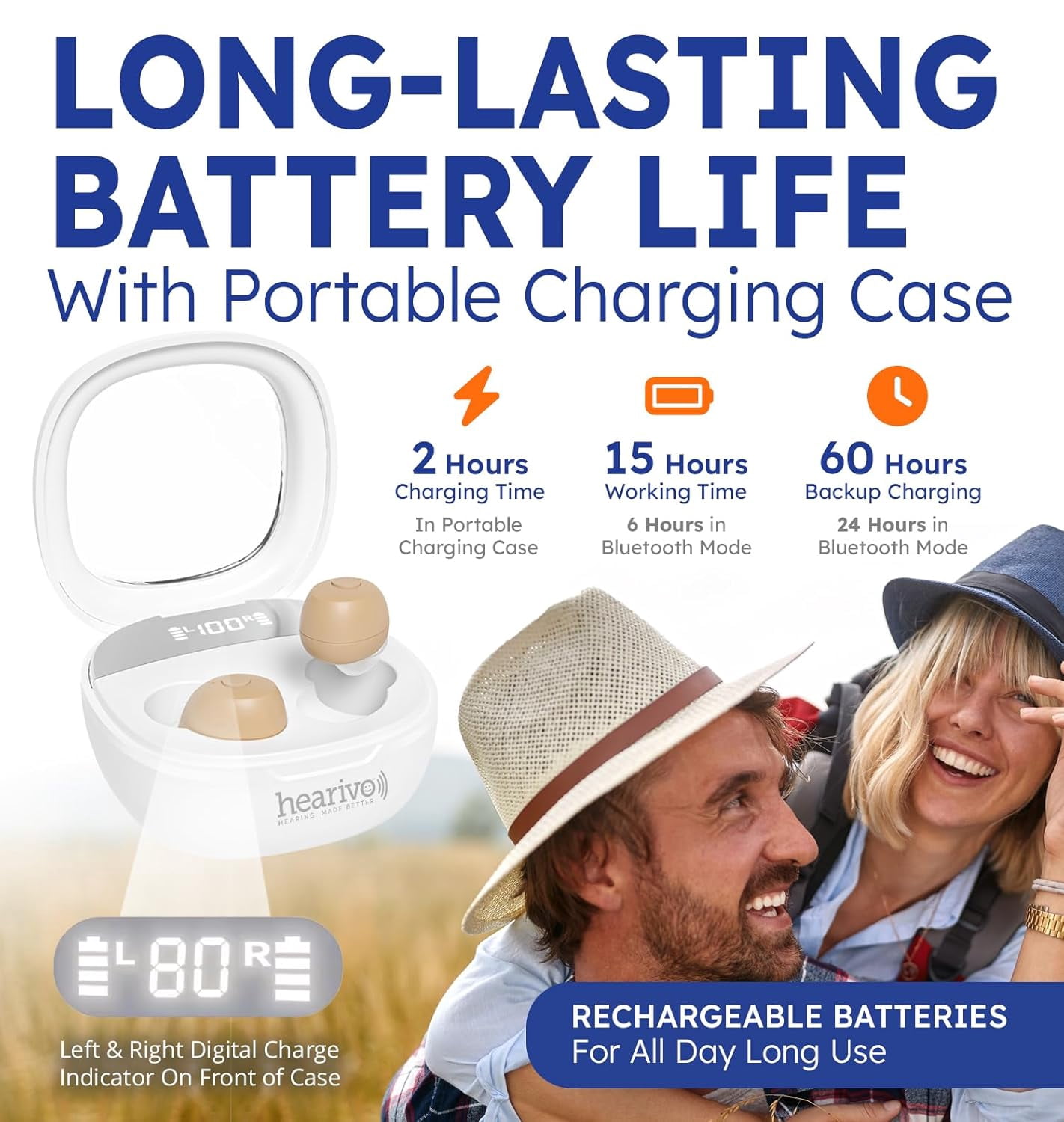
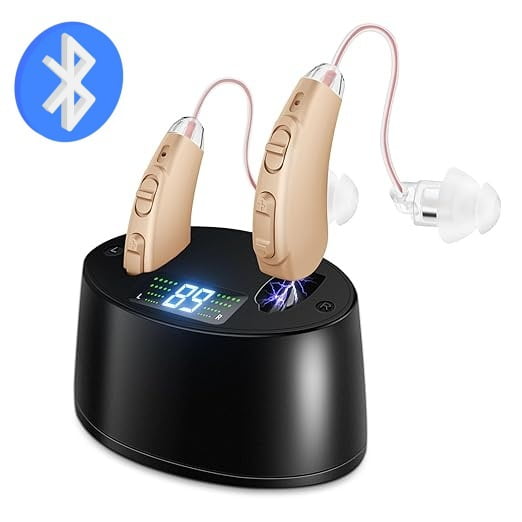
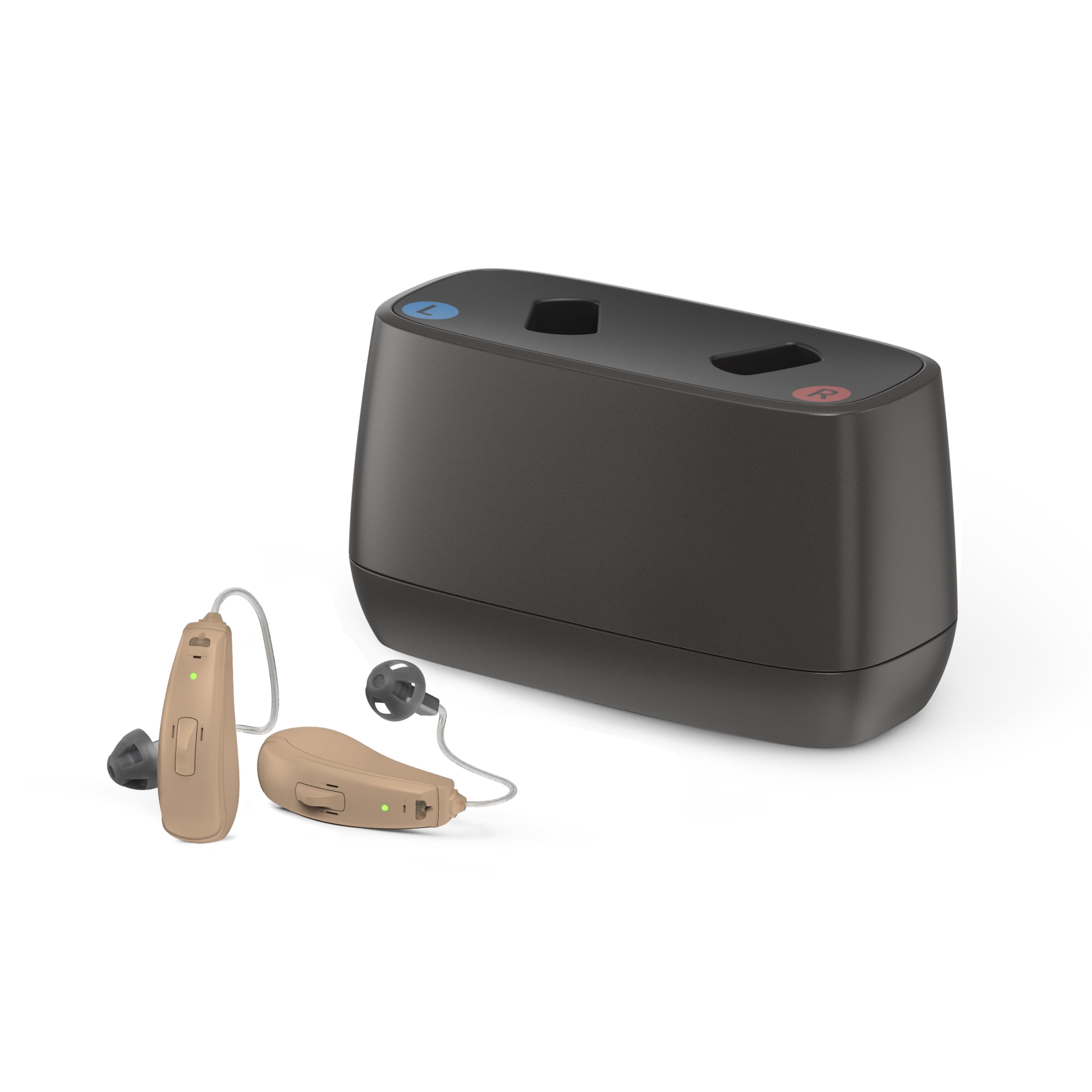
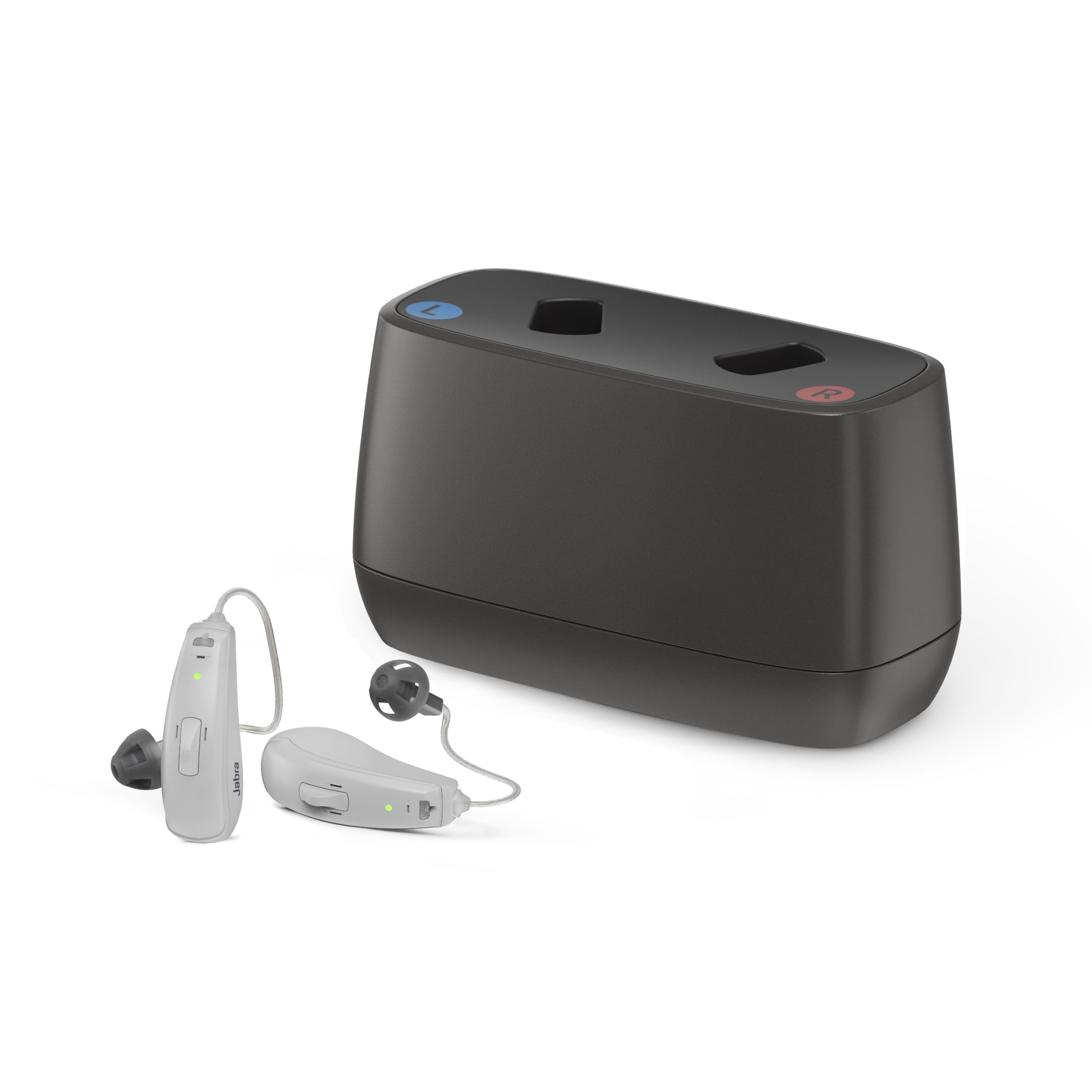
- RECHARGEABLE DESIGN: Includes charging case with built-in lithium-ion batteries, eliminating the need for frequent battery replacements
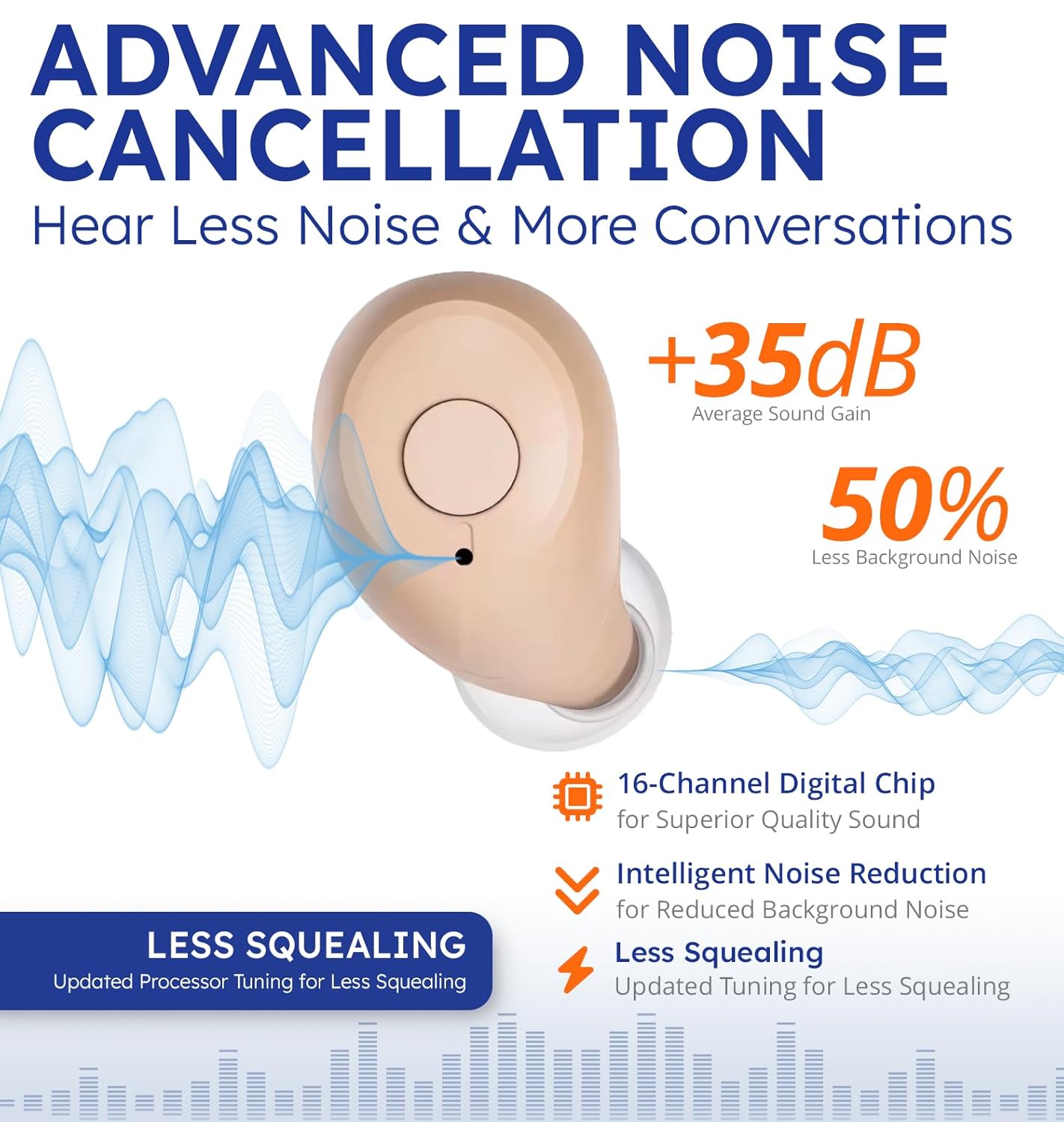
- NOISE CANCELLATION: Advanced active noise cancellation technology helps reduce unwanted background sounds while featuring tinnitus masking capabilities
- TINNITUS MASKING & 3 OTHER MODES: Tinnitus relief for ringing ears with tinnitus masking technology in these tinnitus hearing aids. Quickly select sound modes (General, Indoors, Outdoors, Tinnitus)
- TINNITUS MASKING & 3 OTHER MODES: Tinnitus relief for ringing ears with tinnitus masking technology in these tinnitus hearing aids. Quickly select sound modes (General, Indoors, Outdoors, Tinnitus)
- COMFORTABLE FIT: Behind-the-ear style with beige/black finish provides discrete and comfortable wearing experience for extended use
| Hearing aid type | Behind-the-Ear Hearing Aid |
|---|---|
| Features | Rechargeable |
| Brand | SUWU |
| Items included | Charging Case |
| Has written warranty | No |
| Wireless | Bluetooth |
| Color | White |
| Health concern | Hearing Loss |
| Model | SUWU-939 |
| Has nrtl listing certification | N |
| Weight | 5.8 oz |
| Total count | 2 |

Bestseller ranking
Pendants


Customers who viewed this product also viewed
Bluetooth Hearing Devices
Correction of product information
If you notice any omissions or errors in the product information on this page, please use the correction request form below.
Correction Request Form